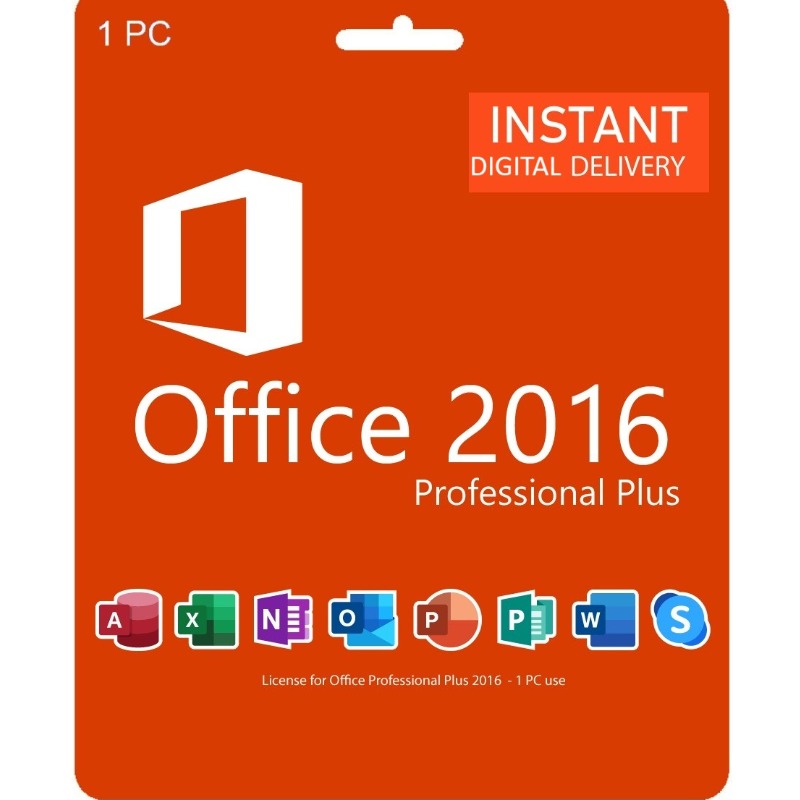
Office 2016 Pro Plus is a comprehensive suite of productivity applications that includes the following features:
Core applications:
- Word: Create professional-quality documents with a variety of templates, styles, and formatting options.
- Excel: Manage and analyze data in spreadsheets with formulas, charts, and graphs.
- PowerPoint: Create engaging presentations with slides, animations, and media.
- OneNote: Organize your notes, ideas, and tasks in a digital notebook.
- Outlook: Manage your email, calendar, contacts, and tasks in one place.
- Access: Create and manage databases to store and organize information.
- Publisher: Create professional-looking publications, such as newsletters and flyers.
Additional features:
- Modern interface: The ribbon interface provides easy access to common tasks.
- Touchscreen support: The applications are optimized for use with touchscreens.
- Cloud integration: Access your documents from anywhere with OneDrive.
- Collaboration tools: Work on documents with others in real time.
- Improved search: Find what you need quickly with improved search capabilities.
- Tell me: Ask for help with specific tasks.
- Insights: Get relevant information from the web directly in your documents.
- Smart lookup: Look up definitions and translations without leaving your document.
- Shared calendars: Share calendars with others to stay organized.
System Requirements:
Operating Systems:
- Windows 10 (Version 1507 or later)
- Windows 8.1 (with Update KB2919355)
- Windows 7 SP1 (with Service Pack 1 and Update KB2919355)
Processor:
- 1 GHz processor or faster (2 GHz recommended for video editing and other resource-intensive tasks)
Memory:
- 2 GB RAM (4 GB RAM recommended for video editing and other resource-intensive tasks)
Hard Disk Space:
- 3 GB available hard disk space (4 GB recommended for a typical installation)
Graphics:
- Graphics card that supports DirectX 10 or later (with WDDM 2.0 driver)










 Nuance Software

.png)



Login To Comment