Key Minimum Requirements:
- Operating System:
- Processor:
- 1.6 GHz or faster, 2-core processor.
- RAM:
- 4 GB RAM for 64-bit systems.
- 2 GB RAM for 32-bit systems.
- Hard Disk Space:
- 4 GB of available disk space.
- Display:
- 1280 x 768 screen resolution.
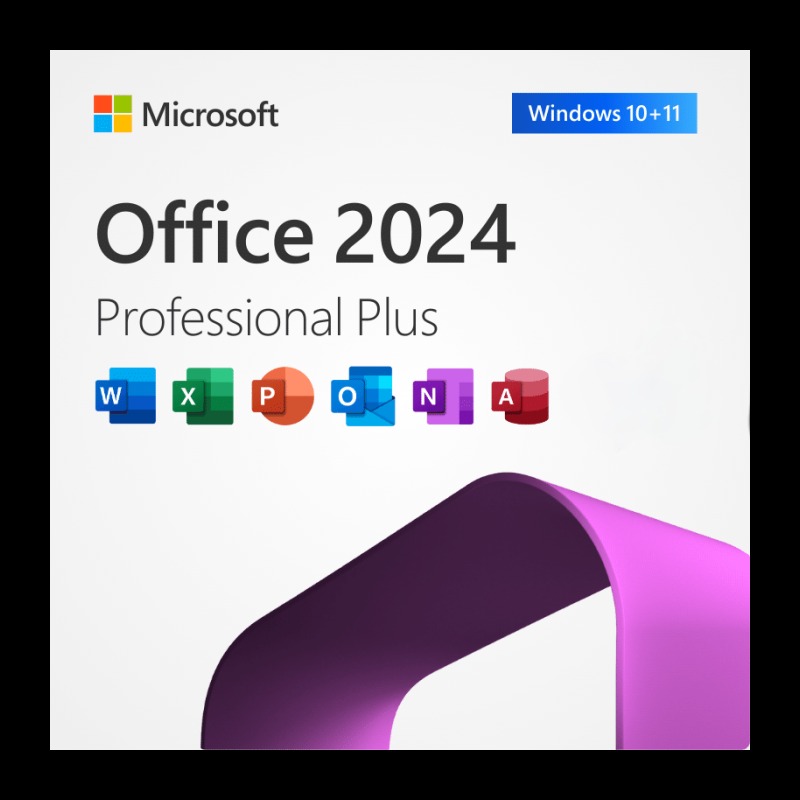
When considering Office Professional Plus 2024, it's important to remember that it's a perpetual-license version, meaning it's a one-time purchase, contrasting with the subscription-based Microsoft 365. This distinction influences the features it receives.
Here's a breakdown of the key new features and enhancements:
Key Improvements:
- Enhanced User Experience:
- A new default Office theme, providing a more consistent and natural look across applications. This incorporates Fluent Design principles.
- Improved accessibility tools, making documents, presentations, workbooks, and emails more inclusive.
- Productivity Enhancements:
- General performance and stability improvements across the Office suite.
- Enhanced collaboration capabilities.
- Interoperability:
- Expanded support for OpenDocument Format (ODF) 1.4.
- The ability to insert pictures directly from a mobile device.
- Excel Enhancements:
- Dynamic charts with dynamic arrays.
- New text and array functions.
- The new IMAGE function.
- Improved workbook speed.
- PowerPoint Enhancements:
- Embedding Microsoft Stream (on SharePoint) videos.
- Adding closed captions to video and audio.
- The ability to give "like" reactions to comments.
Key Points to Remember:
- Office 2024 is geared towards those who prefer a one-time purchase over a subscription.
- Feature sets can differ between Office 2024 and Microsoft 365, as the latter receives continuous updates.








 Corel Software
 Nuance Software

.png)



Login To Comment