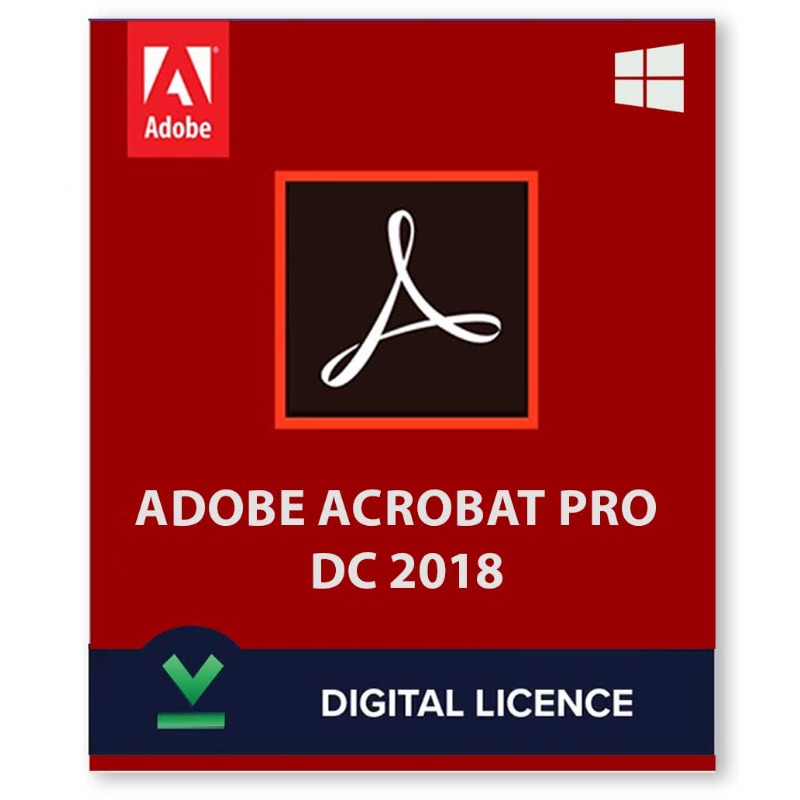
Adobe Acrobat Pro DC 2018, released as part of the Document Cloud (DC) suite, offered a range of features for working with PDF files. Here's a breakdown of its key functionalities:
PDF Creation and Editing:
- Convert various file formats like Word documents to PDFs.
- Edit text and images directly within PDFs.
Collaboration and Sharing:
- Share PDFs securely through email or cloud services.
- Add comments and annotations for collaborative review.
Form and Document Processing:
- Create and edit fillable PDF forms.
- Utilize optical character recognition (OCR) to convert scanned documents into editable PDFs.
- Organize multiple PDFs into portfolios for easy presentation.
Document Security:
- Password-protect PDFs to restrict access.
- Implement digital signatures to ensure document authenticity.
Additional Features:
- Batch processing for repetitive tasks.
- Mobile app integration for working with PDFs on the go (with limitations in the free version).
System Requirements:
- Operating System: Windows 7 SP1 (32-bit and 64-bit), Windows 8 (32-bit and 64-bit), Windows 10 (32-bit and 64-bit), or Windows Server versions (check compatibility information).
- Processor: 1.5 GHz or faster Intel or AMD processor.
- RAM: 1 GB of RAM (2 GB recommended).
- Hard Disk Space: 2.5 GB of available hard-disk space (4.5 GB recommended).
- Other: 1024x768 screen resolution, DVD-ROM drive (for installation from disc), internet connection (for activation and online services).












 Nuance Software

.png)



Login To Comment