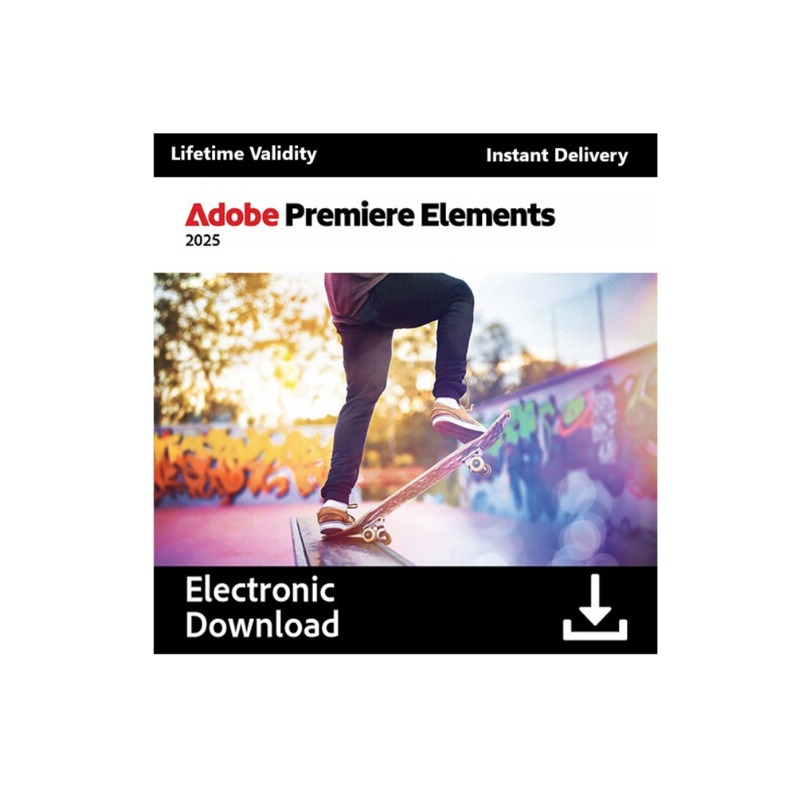
Adobe Premiere Elements 2025 is here, and it's packed with features that make video editing easier and more creative than ever! Here's a rundown of the key highlights:
AI-Powered Magic:
- Object Removal: Effortlessly remove unwanted objects or distractions from your videos with the new Remove Object Brush and Removal Tool, similar to Generative Fill in Photoshop.
- AI-Powered Smart Trim: Let AI analyze your footage and automatically find the best scenes, saving you time and effort in trimming.
Simplified Workflow:
- Streamlined Timeline: Navigate your projects more easily with a redesigned timeline that groups video and audio tracks for better organization.
- Quick Tools Menu: Access your most frequently used editing options in a convenient Quick Tools menu.
- Track Locking: Prevent accidental edits by locking individual tracks.
Creative Enhancements:
- Motion Text Editing: Animate text with dynamic effects, and customize fonts, colors, spacing, and alignment to match your video's style.
- Adobe Stock Title Templates: Access a library of professionally designed title templates to add engaging text animations to your videos.
- Advanced Color Tools:
- White Balance: Ensure your whites are crisp and pure, especially in scenes with snow or bright light.
- Color Correction Curves: Make precise adjustments to color and brightness in your entire video or specific areas.
- LUT Support: Apply pre-set color looks or import your own LUTs to create unique moods and aesthetics.
Other Notable Features:
- Guided Edits: Learn new techniques and create stunning effects with step-by-step guidance.
- Web and Mobile Companion Apps (Beta): Extend your editing capabilities with web-based tools for adding moving overlays and changing backgrounds, and mobile apps for applying pattern overlays and adjusting light and color.
- Enhanced Performance: Enjoy smoother editing and faster rendering, especially on Macs with the M3 chip.
Minimum system requirements for Adobe Premiere Elements 2025:
Windows
- Processor: Intel 6th Generation or newer processor, or AMD equivalent with SSE4.2 support
- Operating System: Microsoft Windows 10 (version 22H2) or Windows 11 (version 23H2), 64-bit versions only. (Windows 7 and 8.1 are NOT supported)
- RAM: 8GB of RAM
- Hard Disk Space: 10GB of available hard-disk space to install the application; additional space required for downloading online content and for temporary files during product installation and usage. (Cannot install on a volume that uses a case-sensitive file system or on removable flash storage devices)
- Display Resolution: 1440x900 display resolution (at 100% scale factor)










 Nuance Software

.png)




Login To Comment