-
-
$
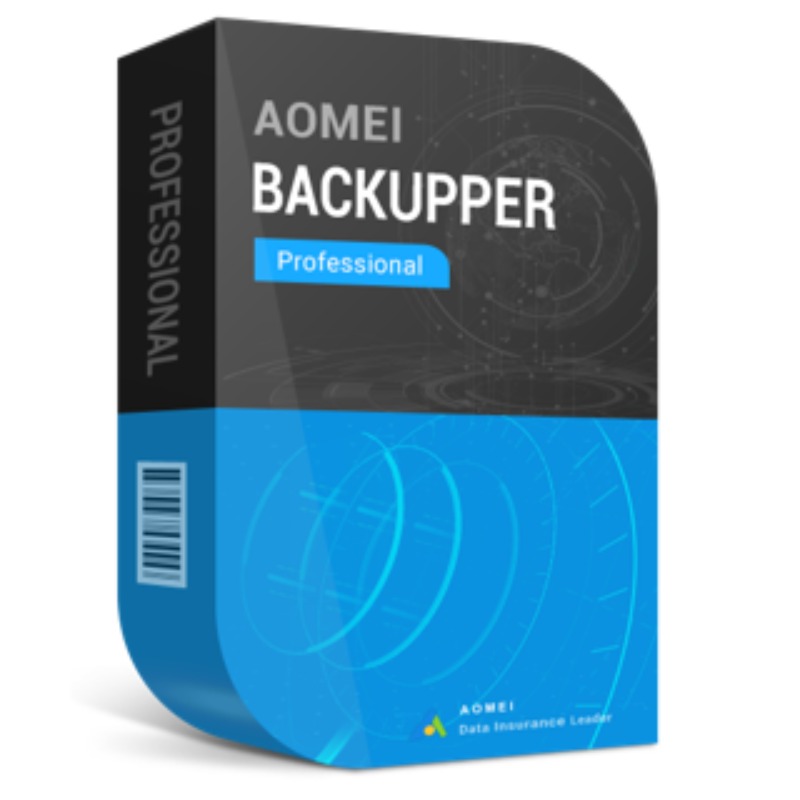
In Stock
0 Review(s)

Price :
$99
$129
AOMEI Backupper Professional is a comprehensive backup, recovery, and cloning software designed for Windows PCs.
Here are the key features of AOMEI Backupper Professional:
System Backup: Back up the operating system, boot-related files, installed programs, and data on the system drive.
Disk Backup: Back up an entire hard disk drive (HDD) or solid-state drive (SSD).
Partition Backup: Back up one or more specific partitions, including dynamic disk volumes.
File/Folder Backup: Back up specific files and folders.
Microsoft Outlook Backup: Dedicated backup for Outlook emails, contacts, notes, and calendars.
Differential Backup (Pro Feature): Only backs up the data that has changed since the last full backup, offering a faster alternative to Incremental Backup.
Backup Scheme (Pro Feature): Automatically deletes old backup images based on criteria (like the backup cycle or number of versions) to save disk space.
Event-Triggered Backup (Pro Feature): Start a backup task automatically based on specific events (e.g., system startup, system shutdown, user logon, or logoff).
USB Plug-in Backup (Pro Feature): Automatically start a backup when a specific USB drive is plugged in.
Encrypt Backup (Pro Feature): Secure your backup images with password encryption.
Universal Restore (Dissimilar Hardware Restore) (Pro Feature): Restore a system backup image to a different computer with dissimilar hardware without boot issues
Basic Sync: Sync files from the source directory to the target directory.
Real-time Sync (Pro Feature): Monitor files for changes and instantly sync newly added, modified, or deleted files to the destination.
Mirror Sync (Pro Feature): Ensures the destination directory is an exact duplicate of the source; any extra files in the destination will be removed.
Two-way Sync (Pro Feature): Keeps files in both the source and target directories exactly the same by synchronizing changes in both directions.
System Clone (Pro Feature): Migrate your operating system (OS) to an SSD or another HDD without reinstalling Windows and applications, ensuring the system remains bootable.
Disk Clone: Clone an entire disk to another, often used for disk upgrades or replacements.
Partition Clone: Clone specific partitions for data migration.
Adjust Partition Size (Pro Feature): Manually extend or shrink partitions on the destination disk during the cloning process.
Create Bootable Media: Create a WinPE or Linux-based bootable USB drive or CD/DVD to perform restore or clone operations when Windows won't boot.
Command Line Utility (Pro Feature): Perform backup, restore, and clone operations using command-line prompts for automation.
Explore Image (Pro Feature): Mount the backup image as a virtual partition in File Explorer to browse and copy files without a full restore.
Merge Backup Images (Pro Feature): Combine a full backup with its subsequent incremental/differential backups into a single image, simplifying management.
Email Notification (Pro Feature): Send an email notification about the backup/sync completion status.
Minimum System Requirements:
CPU: 500 MHz x86 or compatible processor
RAM: 256 MB (512 MB is recommended)
Disk Space: Approximately 300 MB of free space for installation
Graphics: Standard graphics card with a minimum resolution
No return/refund
No Review Found.






 Nuance Software

.png)



Login To Comment