-
-
$
In Stock
0 Review(s)

Price :
$35
$40
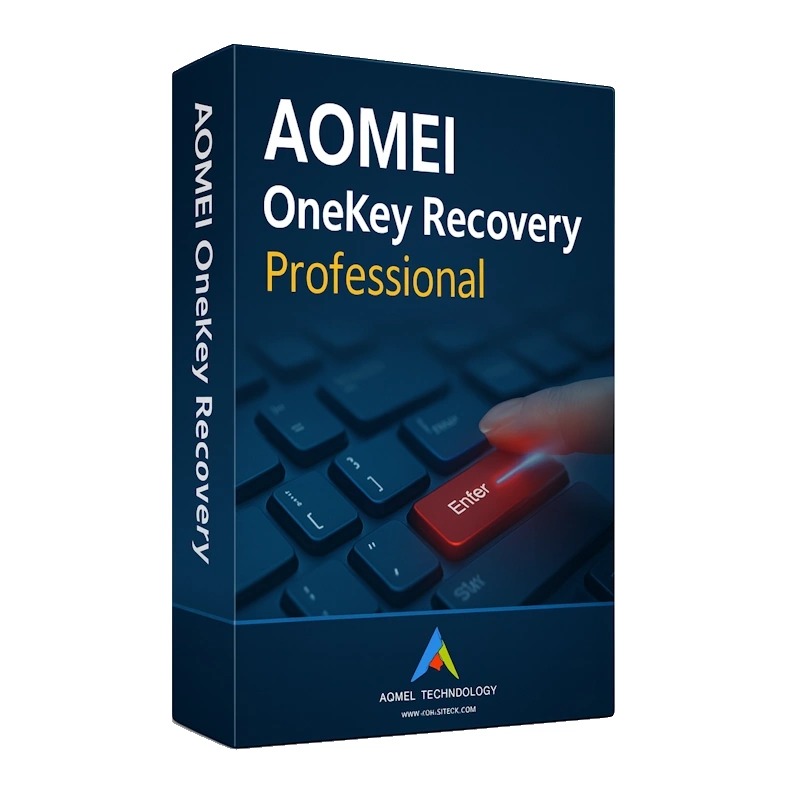
AOMEI OneKey Recovery is a specialized piece of software designed primarily for system backup and restore, functioning similarly to the factory recovery features found on major brand computers (like Lenovo's OneKey Recovery).
Its main purpose is to create a secure, bootable, and hidden recovery partition that can quickly restore your computer's operating system (OS) and installed applications to a previous, working state, even if the system fails to boot.
Here are the key features of AOMEI OneKey Recovery:
OneKey System Backup:
Creates a complete image backup of your system partition (usually the C: drive), including the OS, programs, settings, and user data.
The image can be saved to a hidden Factory Recovery Partition on the local system disk or to an external storage device (like an external HDD/SSD or a USB flash drive).
Create Factory Recovery Partition:
Allocates a required amount of free space from an existing partition (usually the one with the most free space) to create a dedicated recovery partition.
This hidden partition stores the system backup image and the Windows PE micro-system needed for recovery.
OneKey System Recovery:
Allows you to restore your computer to its backed-up state (the "factory default" created by the software).
The restore process can be easily initiated by pressing a special key—typically F11 (default) or the A key—during the computer's startup process.
It also supports restoring from the Windows Boot Menu for systems with EFI/UEFI.
Restore to Original or Other Location:
Restores the system to the original system partition (e.g., C: drive) or to a different location if needed.
Encryption (Pro Feature): Allows you to set a password to encrypt and protect your system backup image, ensuring security.
Compression: You can configure the compression level for the backup image to minimize the file size and save disk space.
Scheduled Backup (Pro Feature): Supports setting up a schedule (Daily, Weekly, Monthly) for the system backup to run automatically.
Customizable Boot Options: Allows you to configure how the recovery environment is displayed in the Windows Boot Menu.
Universal Support: Unlike manufacturer-specific tools, AOMEI OneKey Recovery supports all popular PC brands (Lenovo, Dell, HP, etc.) and all Windows PC operating systems (Windows 11, 10, 8.1, 8, 7, etc.).
No return/refund
No Review Found.






 Nuance Software

.png)




Login To Comment